
Online Mastering: The Complete 2026 Guide
Why This Guide Exists
Most artists in 2026 finish their music online, not in the same city as their mastering engineer. You send a high-quality mix, share your intent and references, and the engineer does the final pass. Rather than being a downgrade, this is just the daily reality of how the industry works for most of us now. And when done well, online mastering offers clarity, precision, and a personal touch every bit as professional as an attended session.
In this guide I’ll explain how online mastering actually works, why it’s become the norm, and how to make it work for you. Above all, online mastering is about translation and trust, not mystique: the aim here is to show you what to expect so you never feel like you’ve just sent it off and hoped for the best.
What “Online Mastering” Actually Means in 2026

Online mastering isn’t a new gimmick. It’s traditional mastering done via file exchange and remote collaboration. In practice it’s straightforward: you prepare and export your mix, upload or send it, the engineer reviews it and builds a first-pass master, then you swap any revision notes and finalize. That back-and-forth might happen over email, chat, or a quick video call.
The key is that you’re working with a human, the same way you would in an attended session. You’re not uploading to a faceless preset and praying. The engineer listens, asks questions, and interprets your style.
The tools and techniques are exactly the same as in a physical room — EQ, compression, stereo imaging, loudness shaping, sequencing. The only real difference is that the files move via the cloud instead of a hard-drive handoff.
Your music is probably already global. It may have been recorded in one place, mixed somewhere else, with collaborators in different cities or countries. Online mastering simply extends that reality to the final polish. You choose the engineer whose style and sensibility match your project, not just whoever happens to be nearby. You send WAV or AIFF files, you get back finished masters, and you stay in touch throughout.
In short: online mastering is the modern, file-based version of mastering. You still get a human’s taste and judgment; you just might never sit on the same couch.
How the Online Mastering Process Works (End-to-End)
Here’s how a typical online mastering project unfolds.
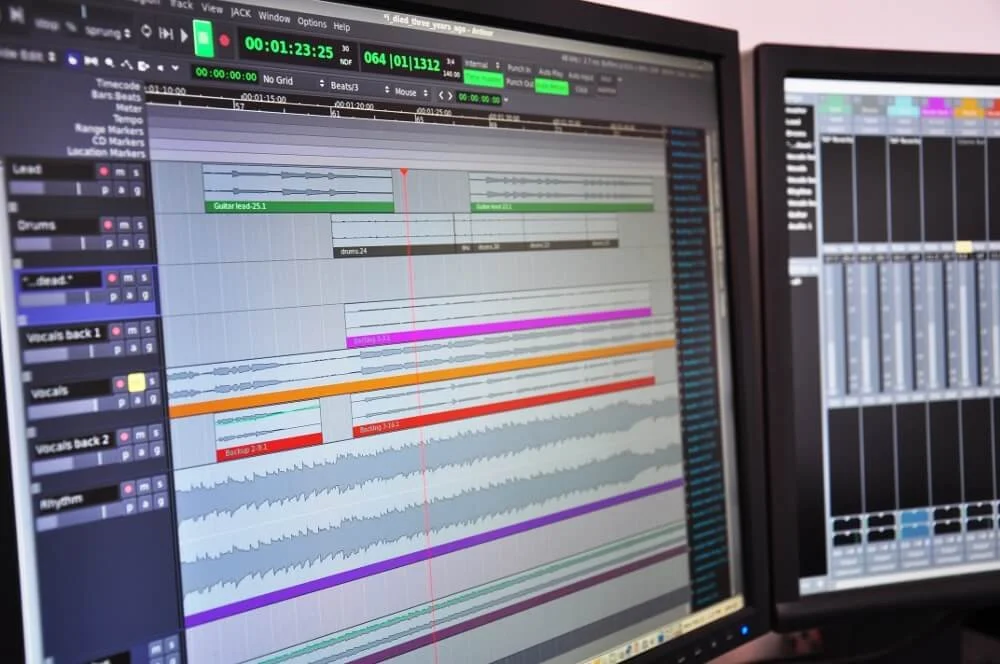
Preparing Your Mix
Make sure your mix is genuinely finished — balanced, musical, and free of obvious technical problems.
People often obsess about headroom. Let’s clear that up: you don’t need to hit an exact target. The old “–6 dB rule” is more of a myth or a rule of thumb than a law. The real issue is clipping. Once peaks hit 0 dBFS and flatten, that information is gone. Beyond avoiding clipping, I can work with mixes that peak anywhere from –20 dB up to –0.1 dB. What matters is preserving your true balance and dynamics, not chasing a number.
Export in the highest-quality format you have:
24-bit WAV or AIFF at the session’s native sample rate
Or 32-bit float if your session runs at that depth
No need to dither or normalize.
Avoid heavy limiting unless it’s a deliberate aesthetic choice. Bus compression is fine. Brickwall limiting or aggressive clipping usually make the mastering job harder and less effective. If your extreme sound is intentional, just tell me.
Label everything clearly (song name, version, track numbers if needed). One stereo mix per song is enough unless we’ve discussed stems. I can embed supplied metadata such as artist, title, ISRC, and mastering credit where the format supports it. Most distributors generate or collect ISRCs during upload, so if you do not have one yet, that is normal.
Please include mastering credits wherever the release is distributed. Accurate credits help everyone involved.
The short version of these instructions can be found at For Mix Engineers.
Sending the Mix
Send your files via a reliable service, like Dropbox, Google Drive, WeTransfer, or an upload link I provide. The important part is that it’s a lossless, unaltered transfer, and that the recipient has file access and download permission.
Include:
One or two reference tracks
Any notes or concerns (“kick feels weak,” “too bright,” “aiming for around –8 LUFS”)
Context (single, EP, album, alternates, instrumentals, clean versions)
If you’re unsure about something, say so.
The Mastering Stage
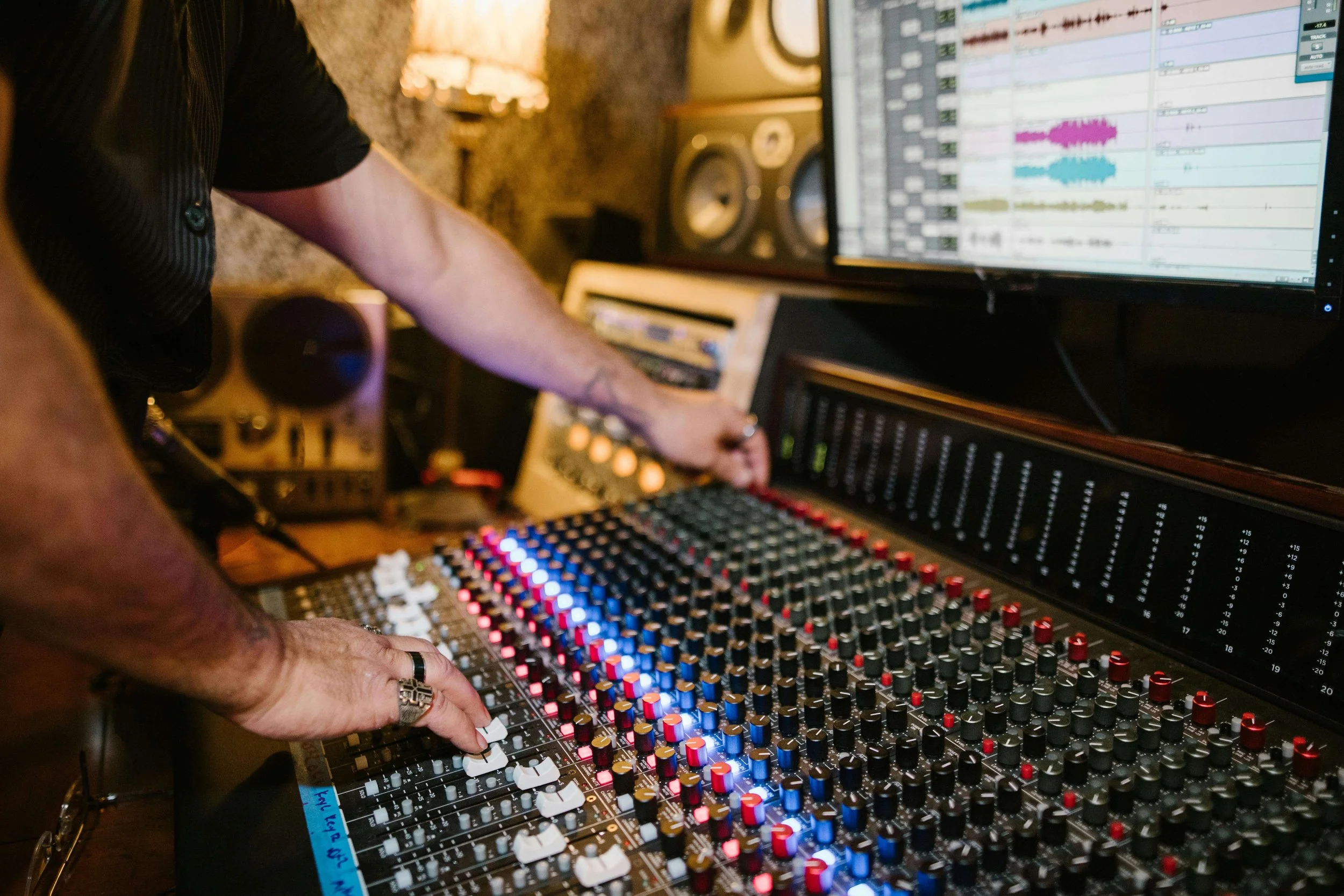
I start by listening carefully and noting issues in tone, dynamics, stereo image, and translation. From there I’ll shape the track using EQ, compression, limiting, stereo enhancement, and subtle analog stages when they help. Everything is guided by your intent and the direction you provide.
Tonal balance is a big part of it: whether the track feels too bright, too dark, too congested, or too diffuse. Dynamics matter too, especially in genres where energy lives in micro-movement rather than brute loudness.
Loudness is handled with real life expectations and real world playback in mind. Many modern tracks land somewhere around –8 to –12 LUFS integrated. What matters is the balance between punch, clarity, and emotional impact. There’s no prize for being the loudest; platforms normalize playback by turning louder masters down anyway.
Once I build the chain and refine it, I’ll export:
A 24-bit WAV master at the native session sample rate
A 16-bit/44.1 “Red Book” version
A 320 kbps MP3 for quick listening
You listen and live with the master for a bit, and then send notes.

Revisions
Revisions are normal, though I’m proud to say that the longer I do this, the fewer I tend to get.
A healthy cycle looks like:
1. You listen on familiar systems.
2. You send concise notes — “a bit more high end,” “kick a little firmer,” “vocal slightly forward.”
3. I adjust and send a new version.
Most professionals include a few revision rounds in the rate. Small, specific tweaks are part of the work.
If your notes reveal deeper mix issues (phase problems, missing elements, a late-noticed tuning issue), I’ll tell you honestly and recommend a mix update when it’s the better solution.
The Difference Between Online Mastering and Automated/AI Mastering
Let’s address the obvious question: human online mastering versus automated tools.
What Automated Tools Do
Popular automated mastering platforms analyze your track and match it against genre-based patterns. They apply preset-style EQ, compression, limiting, and stereo adjustments. They’re designed for speed and consistency.
What they can’t do is interpret intent, understand your artistic choices, or distinguish between a flaw and a feature.
What Human Engineers Do
A human listens, evaluates, and makes tradeoffs based on style, emotion, and conversation with you. We interpret feel — when to add weight, when to leave space, when to respect imperfection because it carries character.
We think about album flow, track order, translation on different systems, and whether your references suggest warmth, energy, intimacy, or attitude. We can tell you when a request will help or hurt the track.
When Automated Mastering Is Fine
Automated tools are great for drafts, demos, beat packs, songwriting sessions, or quick previews. They’re cheap, instant, and good enough for non-released material.
When Human Mastering Is Necessary
For anything you care about long-term — singles, EPs, albums — you want a person you trust. Judgment, nuance, emotional fidelity, and translation still require a human ear.
Automation is math. Mastering is interpretation.
Why Online Mastering Is Now the Standard
Access to Specialists
Artists now choose engineers by taste, not geography. Online mastering lets you work with the right fit for your project, anywhere in the world.
Faster Turnaround
Remote workflows remove a lot of friction. No travel, no booking constraints. Time zones often work in your favor.
Better Monitoring Alignment
I work in my calibrated room while you listen in your familiar spaces. This creates a translation loop that’s more reliable than judging everything in a control room you’ll never hear again.
Asynchronous Collaboration
We’re not forced into a single real-time window. You can think, listen, and respond on your own schedule. I can do the same. It reduces pressure and leads to better decisions.
What Good Online Mastering Should Include
Detailed Mix Check
Not just slamming a limiter. A real engineer checks for resonances, mud, harshness, phase issues, and overall balance — and tells you honestly what needs attention.
Transparent Rate Structure
You should know exactly what you’re paying for: formats, revisions, deliverables, turnaround.
Communication
Clear, steady, and direct. You should feel heard and informed, not left guessing.
Technical Excellence
A calibrated room, accurate monitoring, and deliberate tool choices. Mastering rewards subtlety; the environment matters.
Revision Philosophy
Revisions aren’t an inconvenience, they are part of the service.
Common Misconceptions About Online Mastering
“It’s just presets.” Not with a real engineer.
“Online = low quality.” Quality comes from the engineer, not the medium.
“In-person is always better.” Often it isn’t.
“Engineers prefer attended sessions.” Many actually prefer remote focus.
“You must leave –6 dB headroom.” You don’t. Just avoid clipping.
“Online mastering is for amateurs.” Most major releases are mastered remotely now.
How to Get the Best Results from an Online Mastering Session
Send the real final mix (or, better yet, let’s normalize calling it the approved mix).
Explain the feeling you’re after.
Provide reference tracks.
Don’t pre-crush your limiter unless it’s intentional.
Sit with the first pass; listen calmly.
Check across systems.
Give specific feedback.
Ask questions (it improves future mixes too).
When You Shouldn’t Use Online Mastering
If you still need arrangement, editing, or mixing work.
If you specifically want the experience of sitting in a classic room or speaking face-to-face with your engineer.
If you need stem mastering or full mix engineering.
FAQ
What is online mastering?
Professional mastering done via file exchange instead of in the same room. Still human, still tailored.
How long does it take?
Often 1–3 business days for a first pass, plus time for revisions.
Do I need genre-specific experience?
It helps, but references and communication are usually enough for a skilled engineer.
Is analog better than digital?
Neither is inherently better. Judgment matters more than platform.
What LUFS should my track be?
Many modern tracks land between –8 and –12 LUFS integrated. It depends on genre and feel.
Should I mix into a limiter?
Generally no, unless it’s intentional. Leave space; avoid clipping.
Do I need stems?
Usually, no. A finished stereo mix is standard.
What file format should I send?
24-bit (or 32-bit float) WAV/AIFF at the native session sample rate.
Closing Thought
Whether we ever share the same room or not, the aim is simple: your music should reach listeners with its intent intact. Good mastering, online or in-person, is just one person listening closely enough to help that happen.
If you understand how the process works and choose an engineer whose taste you trust, online mastering stops feeling like a gamble and becomes what it really is: quiet, precise, human collaboration at a distance.
If you’re finishing a project, take a look at my Services page and reach out by email.